Real lighting
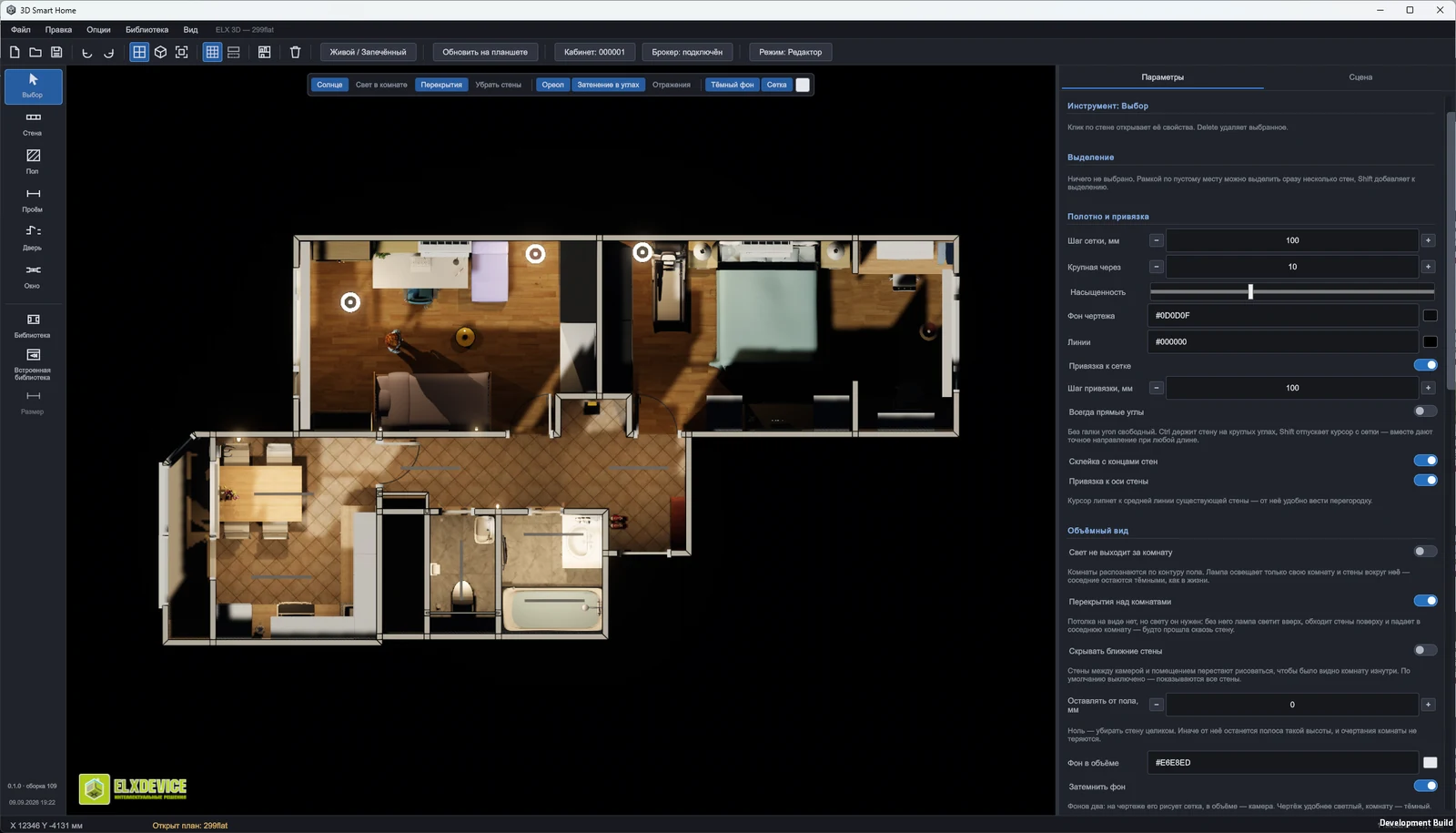
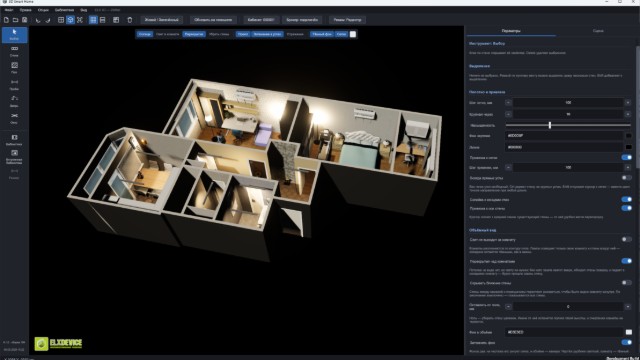
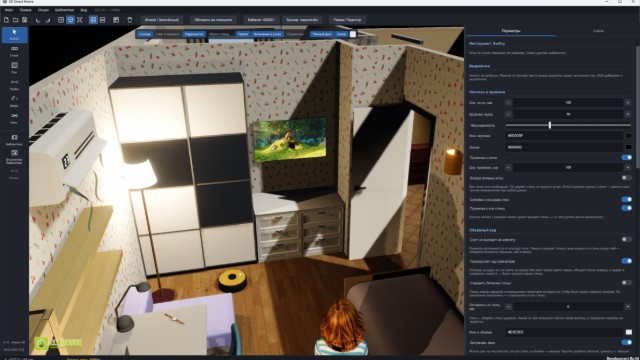
Dynamic light with shadows. Every fixture has its own spec — type, colour, brightness, cone angle, edge softness. Turn the sun off and the room really goes dark.
Smart home in 3D · Windows and Android
A floor plan editor where walls, light and appliances behave like the real thing: blinds travel, the vacuum drives, the TV plays, day turns into night. Control runs over MQTT — the same protocol a real smart home speaks.
Launching soon
Almost there — we are finishing the last pieces and opening downloads. The date will be announced in the Telegram channel first.
Dynamic light with shadows. Every fixture has its own spec — type, colour, brightness, cone angle, edge softness. Turn the sun off and the room really goes dark.
The sun moves across the sky on its own: morning, noon, sunset and night follow the clock, and the whole room changes with them.
Curtains and blinds travel, slats rotate, the aquarium lives its own life, the robot vacuum drives around furniture, the air conditioner blows, the TV plays video.
Any element binds to a topic: what happens in the real house shows up in 3D — and the plan can send commands back.
Almost two thousand ready elements, and your own models join them: a file is read inside the program, split into parts and added to the list.
Plans are drawn on Windows, then viewed and controlled from a phone, a tablet or the same desktop.
Draw any layout: walls of any thickness, openings, doors, windows with sills, floors and ceilings. The plan is drawn with the mouse and sized by numbers — like a drafting program, only in 3D right away.
Curtains and blinds, air conditioners and air supply units, TVs, aquariums, a robot vacuum, clocks. These are not props: blinds travel, slats rotate, the TV plays video, the vacuum drives around furniture. Every element is tuned on its own — brightness, smooth fade-in, colour, size, behaviour.
Import anything in GLB — the format SketchUp, Blender, SolidWorks and almost any editor can export. The model is split into parts, and each part gets a role: this one glows, this one spins, this one is a screen. That is how your own fan starts turning and your own lamp starts shining. Materials and colours are edited inside the program.
The sun follows the clock: sunrise, noon, sunset, night. Light changes with it, and in the evening you see exactly what is lit.
The main goal is to work with different smart home systems, so MQTT is the foundation. Any element binds to a topic: a switch in the flat lights a lamp in 3D, and a tap on the plan goes back to the house.
The shared library lives online and keeps growing: the program notices new elements and offers to download them. What you download stays on your computer and works offline.
The project is at its very beginning, so bugs are possible — we work on it all the time. The program is completely free and runs offline: your files stay on your computer, and only the library lives in the cloud — and that can be downloaded in full too. Send us your wishes, we are waiting for them.
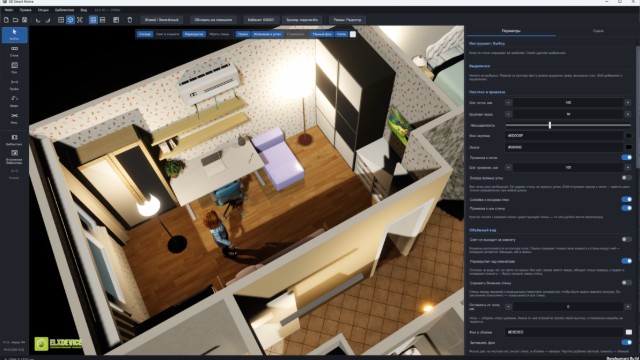
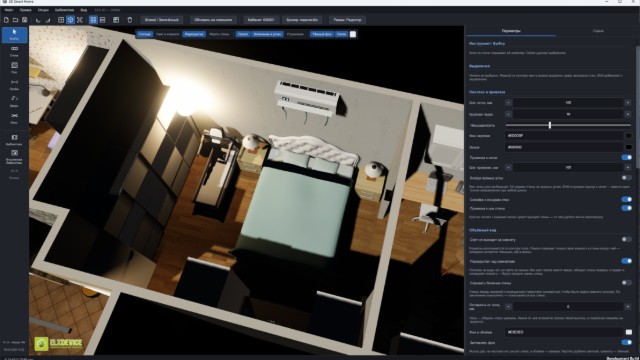
Frames captured inside the program, untouched.
You may use the images and videos from this site on other websites, provided you credit the source with an active link to 3dsmarthome.ru.